Skip the External Display: Galaxy Z Fold 8 Unlocks DeX Desktop Mode Right on Its Inner Screen
Samsung DeX once demanded a separate monitor to switch into desktop mode. A new Play Store app, Gadesk, changes that — letting the Galaxy Z Fold 8's own 7.6-inch inner display power the full DeX experience without any external hardware.
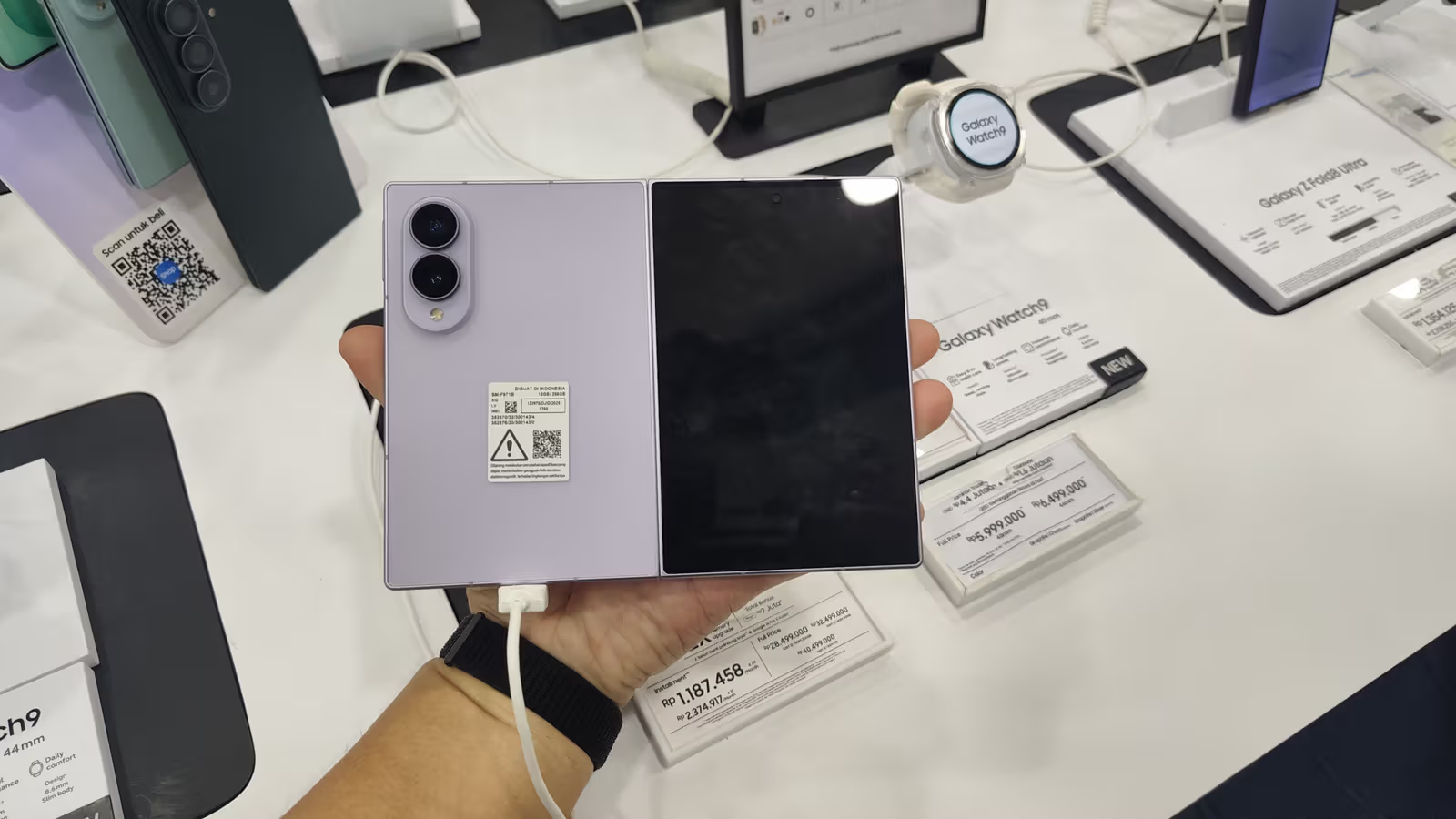
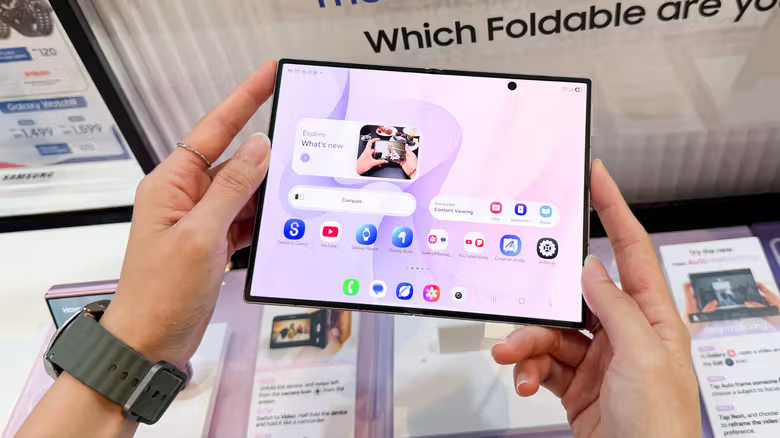
Samsung DeX has been tucked away in the settings menu of Samsung's flagship phones since 2017. Plug in a display, add a mouse and keyboard, and your phone instantly turns into a desktop computer. Back when the feature launched, phone screens were generally small, so no one was thinking about running a desktop interface right on the phone's own display. But with the rise of foldables like the Galaxy Z Fold 8, things have changed — unfolded, it packs a 7.6-inch inner screen that's edging close to small-tablet territory, making people wonder: why not just run DeX directly on that screen?
Turns out you can — and you don't even need Samsung's official blessing to do it. An app on the Play Store called Gadesk lets Z Fold 8 users pull up the full DeX desktop mode right on the inner screen, no external display required. The app doesn't require rooting or sideloading, and the setup isn't complicated either: after installing, you pair it via the phone's Wireless Debugging feature, then turn on accessibility permissions — the whole thing takes just a few minutes.
Gadesk's technical trick is worth breaking down. According to Engadget, the app essentially tricks the Z Fold 8 into thinking it's connected to an external display, which triggers DeX's desktop output. It then uses the accessibility permissions it's been granted to overlay that desktop feed directly back onto the phone's own inner screen. The whole process sidesteps the hardware limitation through pure software trickery.
Once you're in Gadesk, there are a few settings worth paying attention to. The app defaults to displaying DeX in landscape, but given that the Z Fold 8's inner screen is closer to a square aspect ratio, switching to portrait actually works better for multitasking. The app also comes with a built-in virtual trackpad supporting copy-paste and pinch-to-zoom gestures, and its transparency can be adjusted. You can also customize three-finger and two-finger tap gestures, which default to Home and Back respectively, or simply turn them off if you don't need them.
The app isn't entirely free. The free version caps each DeX session at 15 minutes and shows ads; a one-time $20 payment unlocks unlimited time and removes ads. If you're on the fence about paying, you can also watch a promo video to extend a single session by 10 minutes. While Gadesk was designed with the Z Fold 8's screen ratio in mind, it also works on other Galaxy phones running One UI 8 or later with DeX support, as well as Google Pixel devices via their built-in desktop mode.